Showing posts with label 8th. Show all posts

Friday, October 9, 2015

3Doodler Pens


We have used our new 3Doodler Pens with our 8th grade in 3 lessons so far and have already learnt so much.
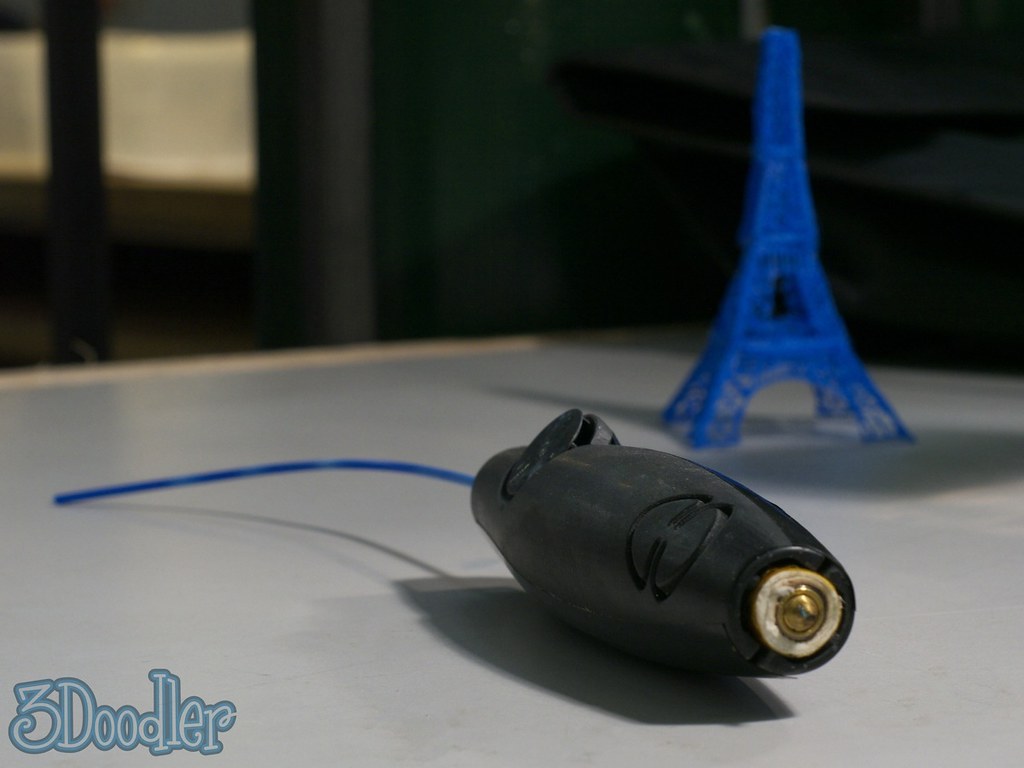


The pens, which can be purchased for under $100 are very student friendly, effective 3d printing devices. 


During the different lessons when the kids were introduced to them through a couple of short videos (I have embedded one just above this.), some models we had made and a brief talk about expectations the electricity in the air became  almost overwhelming. 


The last time I saw kids so excited about a new tool was when I introduced my 8th graders, 8 years ago to then, Google SketchUp(now Trimble SketchUp).  


The videos and explanations were punctuated by enthusiastic outbursts of "How cool!" "I want one!" and a variety of interesting interjections.


In practice the kids took to them right away. We gave them printed templates, and a few tasks written up in a Google Document, which also contains space for reflections, notes and images documenting their work.


These pens have proven to be a fantastic investment which will be used throughout the year, both in lessons and in our new Makerspace.

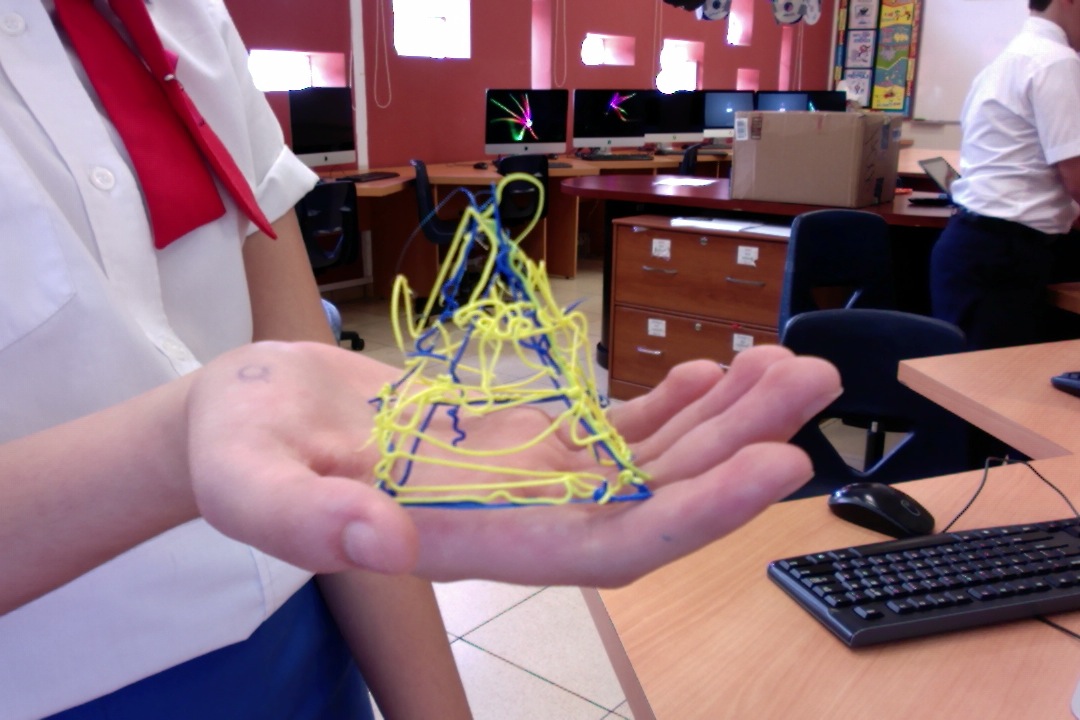


We will add updates and more images documenting the work, as the year progresses. 


Monday, March 16, 2015

Working with MakeyMakeys


Today we held our first lesson with our new 8th grade creative carousel group.

This class is made up of students chose to take ICT in the latter part of the school year.

When planning the units for this last carousel of the year, we made the decision to use an exploratory approach within a PBL model of learning.


This week's lessons focus on input devices through the use of MakeyMakeys. The students discussed input devices, watched a short movie about MakeyMakeys and experimented with connecting up the devices to cardboard guitars and potatoes.  They then tested out their devices using a web version of guitar hero and a free download of Whack-a-Potato.


We found that once a few simple instructions were given, the kids were ready to roll. In fact they were extremely excited about using the devices and worked diligently in their groups, on each mini project.
I am including links to our  digital workbook here and a photo gallery from today's work. 


We are working with both Doctopus and Google Classroom. The workbooks were distributed using Doctopus directly to each group, which were also generated through Doctupus. We will be using Classroom to keep the stream going, assign homework and personal tasks to the students as the units progress.

Do check back for more updates as the project progresses.

Saturday, February 8, 2014

Following up on a Previous Post

The Secondary School ICT team  are excited to follow up on the previous blog post with two more excellent learning games programmed by our students. For more information on this project, do refer to our prior post. We are very proud of what our 8th grade students have achieved, since starting with Scratch in 7th grade. The two games we are sharing this week have been embedded below for you to try out.


Tuesday, November 22, 2011

Screencast Tutorials

Our 6th and 8th grade students have created some exciting screencast tutorials in ICT lessons. In these tutorials the students teach many different technology skills that they have learned over the past few months and even years. We have begun publishing them on our LRCABC Youtube Channel for the world to enjoy and learn from and hope you will find a few minutes to browse through the collection. Who knows, you may even learn something new!